



BUILD CONSUMER TRUST THROUGH
E-COMMERCE TRANSLATION
When you’re expanding an online shop into new markets, translation sits somewhere between a technical requirement and a trust-building tool. Most companies treat it like the former. The ones that succeed understand it’s actually the latter.
E-commerce translation isn’t just about converting words from one language to another. It’s about whether a customer in Germany or Spain or Japan looks at your checkout page and thinks “this site understands me” or “something feels off here.” That distinction shows up in your conversion rates faster than you’d think.
Why people don’t buy from sites in the wrong language
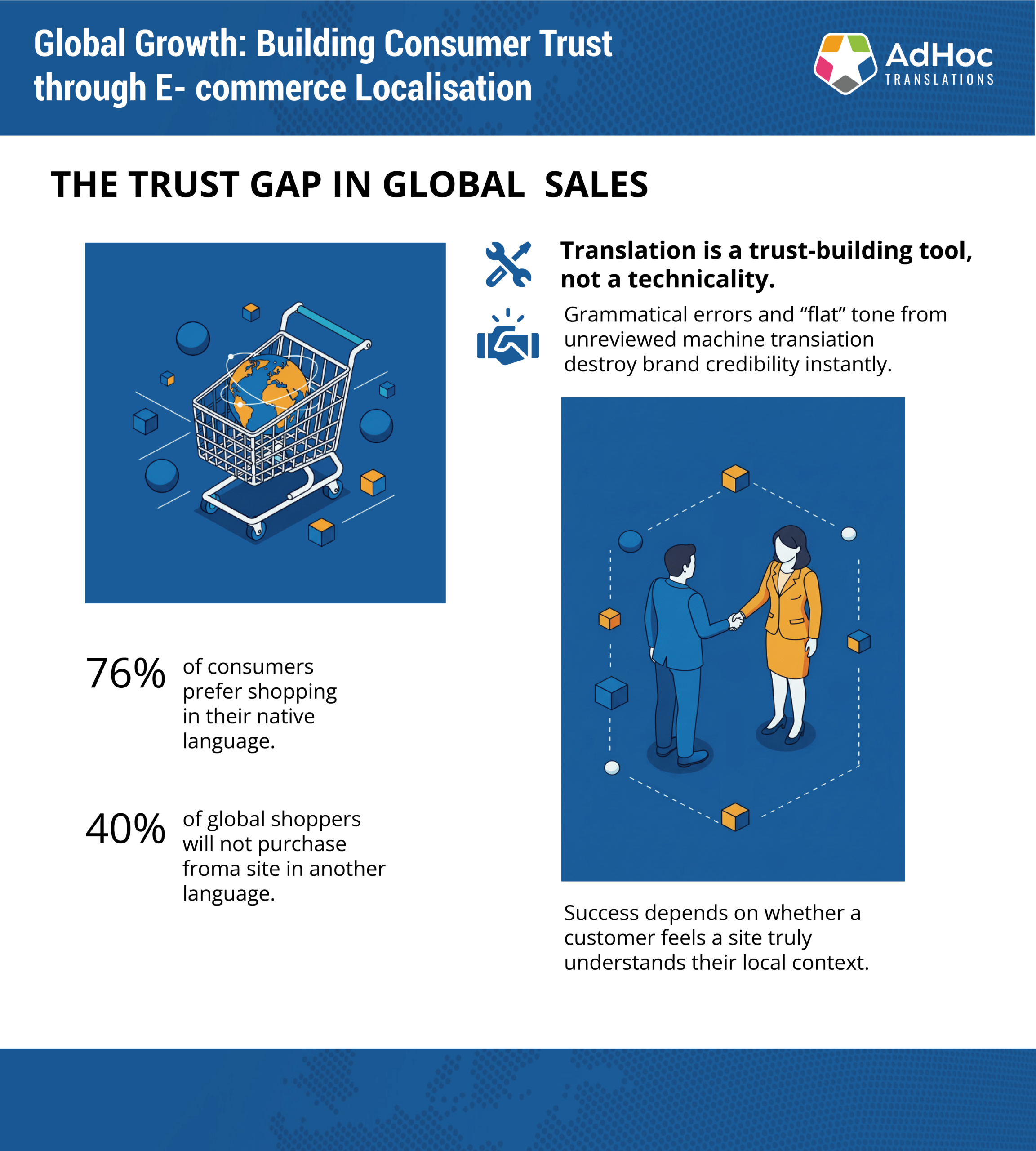
CSA Research tracked this a few years back and found that 76% of consumers prefer shopping in their native language. Forty per cent won’t buy at all if the site’s in another language. Those numbers haven’t shifted much since. If your online shop only works in English, you’re walking past money.
But here’s where it gets messier. Language alone doesn’t seal the deal. A German customer landing on your site sees “Jetzt kaufen” instead of “Buy now” and thinks, okay, they’ve made an effort. Then they scroll down and the product description reads like someone fed the English version into a free translation tool and called it done. The grammar’s off. The tone’s wrong. The trust is gone.
You don’t get a second chance at that first impression.
Machine translation: where it works and where it falls apart
There’s nothing inherently wrong with machine translation. It’s fast, it’s cheap, and for internal documents or low-stakes content, it does the job. But when you’re asking someone to hand over their credit card details, machine translation without human review is a gamble.
We’ve seen clients use MT for product descriptions thinking it would save time. It did save time. It also produced descriptions that were technically accurate but completely flat. No personality, no persuasion, no reason for anyone to click “add to basket.” The listings read like instruction manuals.
Speed matters, scalability matters, but not if it costs you the sale. A smarter approach blends machine translation with human expertise. Let the machines handle the heavy lifting, then have someone who actually speaks the language clean it up, adjust the tone, and make sure it sounds like something a human being would say.
What goes into e-commerce translation that actually works
Getting this right isn’t about hiring a translator and hoping for the best. If you want a multilingual online shop that converts, here’s what needs to happen.
1. Start with decent source content
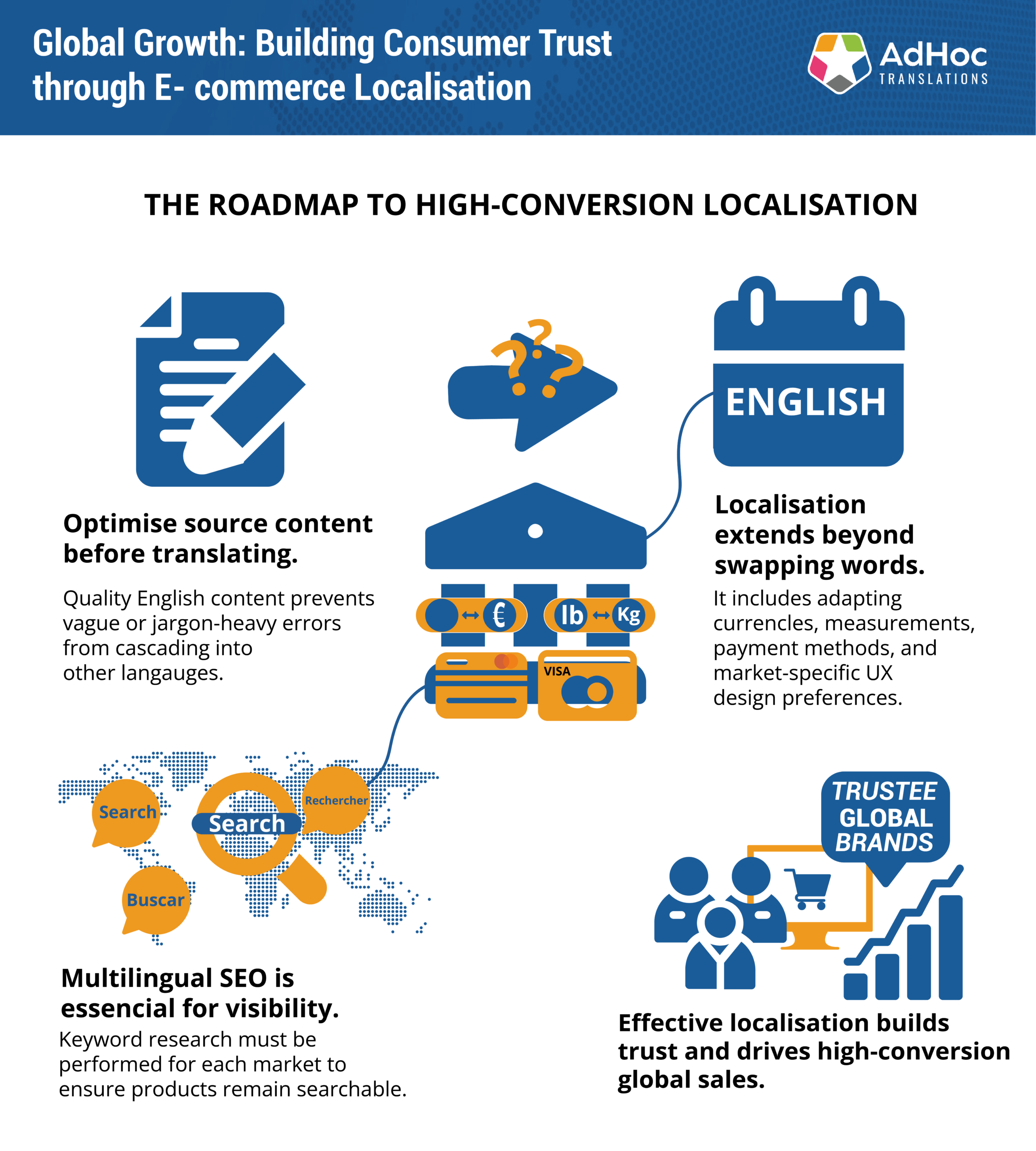
Bad English becomes worse French. If your source content is vague, outdated, or littered with jargon, the translation will inherit all of it. We often suggest running the English version through a quick QA before translation starts. Fix the source, and you save yourself rounds of revisions later.
2. Match the linguist to the content type
Marketing copy isn’t the same as legal disclaimers. A fashion product description needs a different voice than a technical manual. You need translators who know when to transcreate, when to stay literal, and how to write for your specific audience.
We worked with a sportswear brand last year that kept getting translations that were accurate but boring. The problem wasn’t the translator’s language skills. The problem was they’d been assigned a translator who specialised in contracts. Once we switched to someone with a background in lifestyle marketing, the copy started working.
3. Localisation goes further than swapping words
Translation handles the language. Localisation handles everything else:
- Currencies
- Units of measurement
- Date formats
- Payment methods
- Which colours feel trustworthy in different markets
Take UX, for example. A lot of Western markets like clean, minimal layouts. Japan and China often prefer dense, information-heavy pages. Same product, completely different presentation. If you’re just translating text and leaving the design untouched, you’re missing part of the equation.
4. Translate the whole customer journey, not just the shopfront
Your customer journey probably includes:
- Confirmation emails
- Help articles
- Return policies
- Loyalty programme messages
If half of that’s in English and half in German, it feels unfinished. People notice.
A checkout page in perfect Spanish doesn’t mean much if the order confirmation email arrives in English three hours later. The entire experience needs to match.
5. Don’t skip the legal bits
Depending on the market, you might need translated terms and conditions, privacy policies, or safety disclaimers. Legal translation isn’t optional in regulated industries. Get it wrong and you’re opening yourself up to compliance issues.
6. Write a proper brief
Most translation problems start here. A vague brief means more back-and-forth, slower turnarounds, and output that misses the mark.
Tell your provider:
- Who the audience is
- What tone you want
- Which terms to use
- What platforms you’re working with
If you’re not sure how to brief well, we’ve put together a checklist that covers the basics.
7. SEO: if they can’t find you, they won’t buy from you
You can have the best-translated product pages in the world, but if no one’s searching for “chaussures de course” and your site’s still optimised for “running shoes,” you won’t get traffic.
Multilingual SEO means:
- Doing keyword research for each market
- Localising metadata and URLs
- Making sure your tags and descriptions reflect what people are actually typing into search engines
It doesn’t have to be a separate project. You can build it into your translation process from the start.
Can you do this well without spending a fortune?
Yes, if you’re using the right tools. Translation memory and termbases cut down on repetitive work. Instead of re-translating the same product specs every time you update the catalogue, the system reuses what’s already been approved. That saves time and keeps your terminology consistent.
Tracking how translated content performs also helps. If certain phrasing works better in one market, you can apply that insight elsewhere. The less manual repetition, the more time your team has for strategy instead of file management.
Stop uploading files manually
If your team is manually uploading files every time you update the site, you’re doing it the hard way. We built SmartConnect to link your e-commerce platform directly to our translation system. You order a translation with one click, and it integrates straight back into your CMS when it’s done.
We did this for Universal Robots a few years ago. They were managing hundreds of product pages across multiple languages and spending hours just moving files around. Once we set up the integration, the whole process became automatic. You can read the case study if you want the details.
Getting your internal team on board
Rolling out multilingual e-commerce across departments can be chaotic if localisation isn’t part of your usual workflow. Content teams, product owners, legal reviewers, customer support all need to understand their role in the process.
That might mean setting up simple workflows, onboarding reviewers, or just creating space for shared terminology and feedback loops. It doesn’t need to be perfect from day one. It just needs to be consistent and understood.
How we handle this at AdHoc
Everything I’ve just described, from writing a solid brief to building translation memory and integrating with your CMS, that’s how we run e-commerce projects at AdHoc.
The platform we use to manage it all is SmartDesk. It’s where teams can:
- Upload content and assign it across different workflows
- Track progress in real time
- Approve translations and leave feedback
- Access everything they’ve done before
- Manage translation memory and termbases for consistency
If you’re running a CMS or PIM system, SmartDesk can connect to it via API. That means you’re not manually exporting and importing files every time you need something translated. It happens automatically.
Whether you’re translating 50 product descriptions a week or planning a full site rollout across a dozen languages, SmartDesk gives you the infrastructure to do it without the chaos. And because every client’s setup is different, we tailor the workflow to match your tools, your team, and your goals.
Pharma, fashion, manufacturing, MedTech, the core needs are usually the same: control, visibility, and the ability to scale without things falling apart. That’s what we’re set up to deliver.
If you want to talk through how this would work for your business, get in touch. We can walk you through the setup and show you what it looks like in practice.